
MONITOR
Free
Observes load and extra memory on disk. Shows Calm, Using extra memory on disk, and Overload. It never eases listed AI. It tells you exactly what it is doing, in the status line.
Free forever, no account, no credit card.
Live on attestdojo.com. Square checkout is live. Menu-bar updates ship on this site.
Fan apps move air. CyberKaze protects the Mac you work on while local AI runs. In short measured peak hybrid Overload windows (~90s) with Protection engaged (pause), the Mac you work on stays usable: listed AI is held in place so the machine is not fighting the AI for CPU. That is a scoped result from short measured tests on one Mac. The Slow path and AI-only Protection under Overload are not covered by that evidence. Retaining memory: On. The model stays loaded. Protection Off. No easing, even under overload.
10-day trial, no account, no credit card. The monitor tier is free forever.
The question people actually ask. Short answers. Same facts as the FAQ.
As far as we can tell, CyberKaze is the first packaged Mac utility that tells the truth about Overload versus using extra memory on disk, then eases Ollama, MLX, and LM Studio headless under real stress and continues them when the machine is calm. The model stays loaded.
What we will not claim: watt savings, a degrees win, room air conditioning, or that your Mac will never freeze.
If overload is not eased back, listed AI can crowd the machine you work on. People Force Quit. The model leaves memory. Work has to start again. Protection eases that AI, retains memory, and your work stays in place. The result: no cold reload, and the work continues where it left off.
CyberKaze is a working product, not a promise. The CLI app runs today on macOS and Linux. The macOS CLI and menu-bar DMGs are signed with an Apple Developer ID, notarized by Apple, and stapled. Gatekeeper shows Paul Sully, Individual account. Square checkout is live; after payment a license file is emailed. It does not auto-install. This site is live at attestdojo.com/cyberkaze/. Menu-bar updates use the Sparkle feed on the same host. The download below is real now.
Apple silicon first. Intel Macs are intended and not yet proven on our hardware. macOS 14+ for the extra. CLI on the same Macs (Node 20+). Linux is an x86_64 CLI split. Default target is Ollama. Works on / Does not run.
As far as we can tell, CyberKaze is the first packaged Mac utility that tells the truth about Overload versus using extra memory on disk, then eases Ollama, MLX, and LM Studio headless under real stress and continues them when the machine is calm. The model stays loaded.
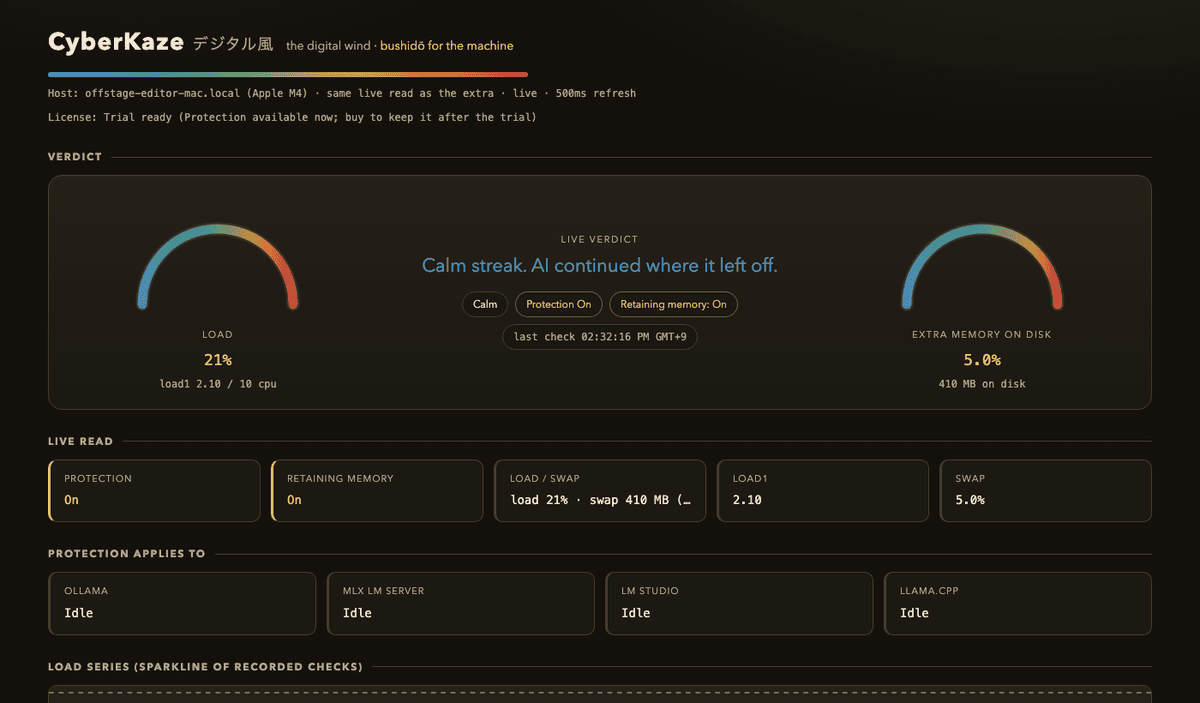
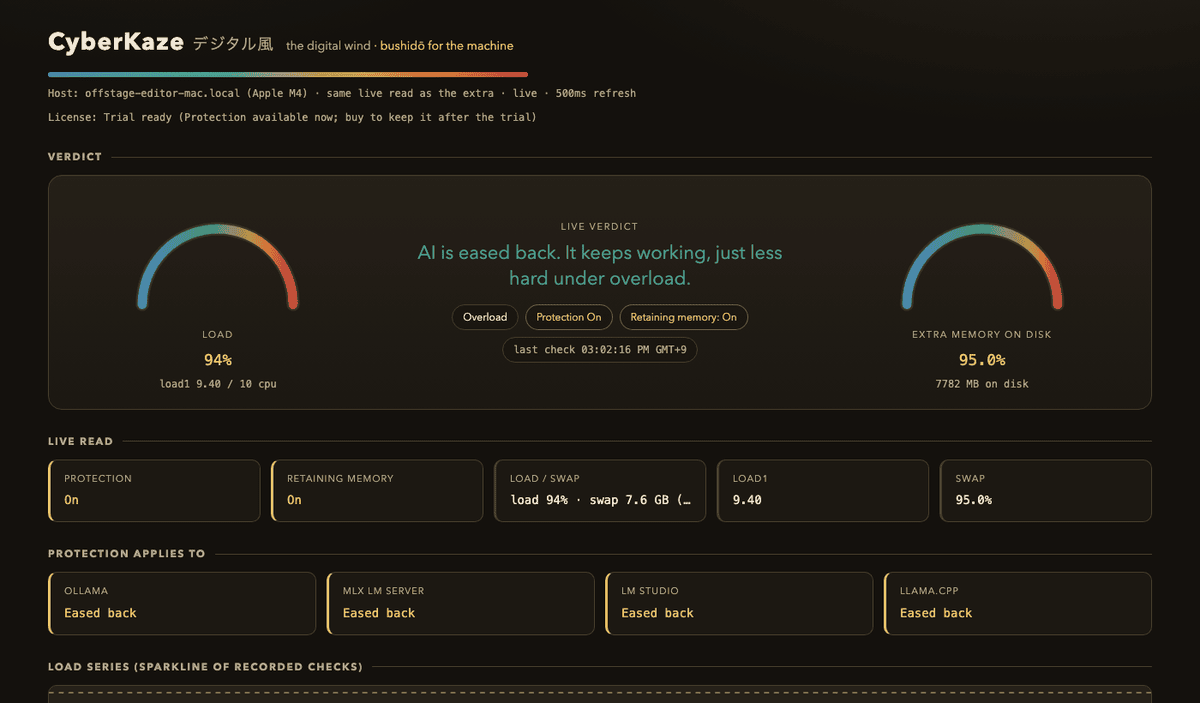
These status lines match the shipped extra. Using extra memory on disk leaves AI running. Overload eases listed AI. Work continues.
$ cyberkaze status
CyberKaze
license:      TRIAL (10 days left)
mode:         LIVE
agent:        live  [running]
services:     ollama  [running]    mlx  [running]
verdict:      Using extra memory on disk
cpu swap:     92.4%  |  cpu load: 3.1%  |  memory: 58/64 GB
story:        Using extra memory on disk. Work is progressing.

$ cyberkaze status
services:     ollama  [eased back]    mlx  [eased back]
verdict:      Overload
cpu swap:     41.0%  |  cpu load: 78.2%  |  memory: 22/64 GB
story:        AI is eased back. The machine is not fighting the AI for CPU.
Top block: extra memory on disk is high, CPU is quiet. Using extra memory on disk. Work is progressing. AI stays running. Bottom block: load is Overload. Listed AI is eased back so the machine is not fighting the AI for CPU. Short measured peak hybrid Overload windows (~90s) with Protection engaged (pause): the Mac you work on stays usable in that scoped test on one Mac. The Slow path and AI-only Protection are not covered. Work continues when the machine is calm.
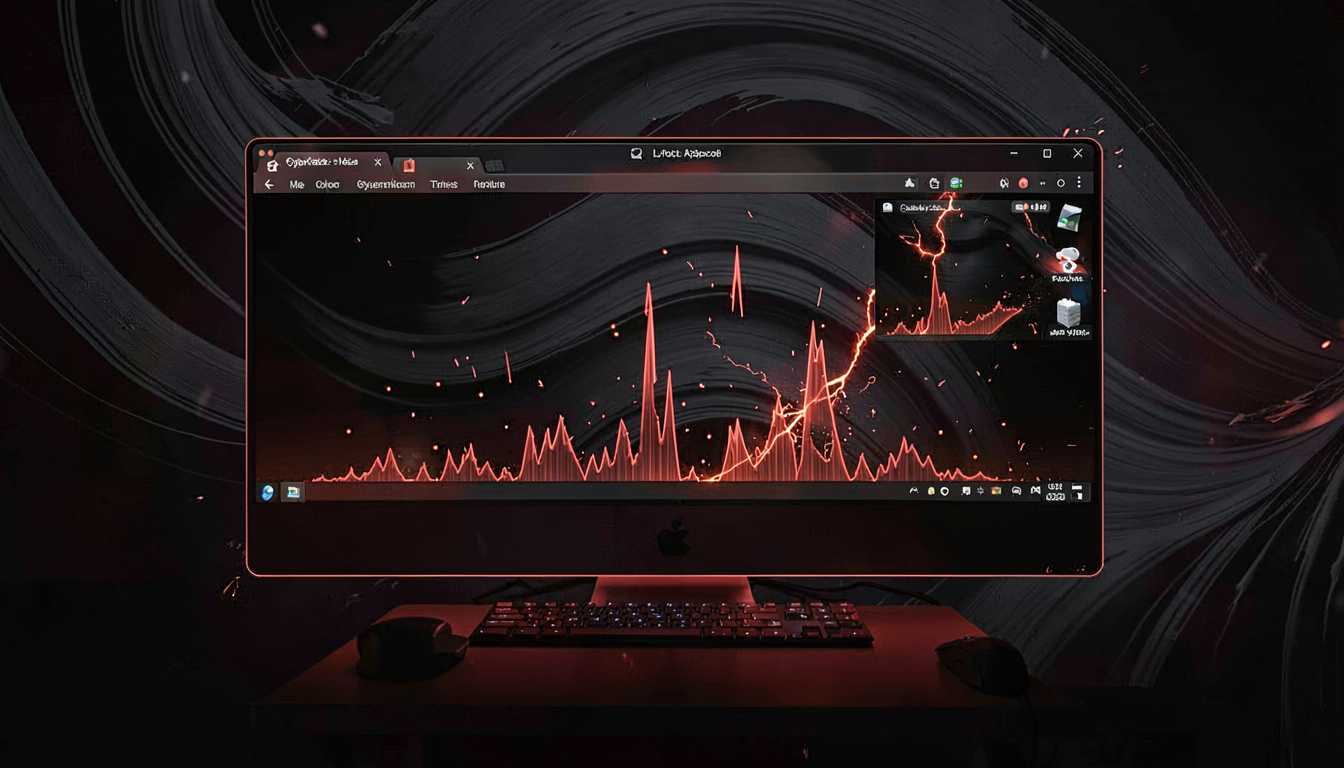
Screen captures from the app's own live dashboard. Calm: listed AI keeps running as usual. Overload: listed AI is eased back, memory stays, work continues.
It has been working for me. I used to get Force Quits all the time and freezes. Don't get that anymore.
That is one person's lived result, not a promise for every buyer. The dashboard shots beside it are the actual app view.
Three rules, applied on every watch tick. They match the code. They keep the app honest.
When the extra shows Overload, it is protecting, not failing. Overload is load on this machine, or extra memory on disk while the CPU is still busy. Listed AI is eased back so the machine is not fighting the AI for CPU, then the work continues. Retaining memory: On.
Nothing elevated. AI keeps running as usual.
Quiet CPU. Leave AI running. Work is progressing.
Listed AI is eased back. Retaining memory: On.
The whole loop, in four moves. Details and the honest limits are on the features page.
The engine is the same. The monitor tier only watches, so you can see the truth before you trust it.
Free
Observes load and extra memory on disk. Shows Calm, Using extra memory on disk, and Overload. It never eases listed AI. It tells you exactly what it is doing, in the status line.
Free forever, no account, no credit card.
20 USD introductory, then 27 USD
Adds Protection: listed AI is eased back under Overload. Retaining memory: On. One license per Mac, one-time, no subscription, with a no-money-back policy you should read before you buy. Prices are the USD list; a Japan card is charged yen 税込 on Square. Square does not install a license. You get a signed file by email, then Activate.
Grab the DMG. Ten days of the full engine, offline, no credit card. The monitor tier stays free.
Download CyberKaze